Team & permissions
Bring your team in, on your terms
Roles, data access and approvals for staff, accountants and CAs.
- Roles you can shape
- Data limits
- Audit trail
One Owner, and a role for everyone else
- Admin for the few who pair Tally and manage the team
- Custom roles created on the web portal
- Screens a role cannot open are hidden
Read more
Every workspace has one Owner, who sees everything and alone handles billing, ownership transfer, and resetting or closing the workspace. Everyone else gets a role: Admin, Accountant, Sales, Collection, Inventory, Viewer, a read-only role with the audit trail, or one you create. Each role sets View, Create and Manage rights module by module, and a right switches on what it depends on, so someone who can create invoices can also pick customers and items. Built-in roles are templates you can rename, change and reset.

Choose the data each person sees
- A salesperson limited to their own customers
- A storekeeper limited to one godown
- An outside accountant limited to chosen years
Read more
For each member, set companies, financial years, ledgers and parties, godowns and cost centres to all, selected or none. Hide sensitive values from roles that do not need them: cost price, stock valuation, margin, bank and cash balances, credit limit, tax identity and purchase values. Hidden values appear as a dash. Each member can open My Access to see their role, data scope and which values they can see.
Control what reaches the books
- Suspend or remove a member at any time
- Invitations expire after 48 hours
- Members can belong to several workspaces and switch between them
Read more
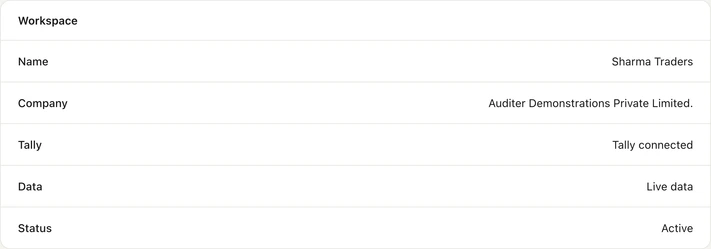
Entry mode decides how a member's entries reach TallyPrime: regular only, optional only or both. Optional entries wait in Tally as optional vouchers until your accountant makes them regular, which gives new staff a review step. A Hard Sync needs the approval of the Owner or an Admin, and restoring the workspace on a new PC needs the Owner. The audit trail lists every entry made in Auditer, who made it and its status in TallyPrime.
How to invite your team
- 1Buy a seat
- 2Ask them to sign up
- 3Send the invitation
- 4They accept
Read more
- 1. Buy a seat. The Owner buys a seat for each member on the web portal, under Settings, Billing and Credits: 100 credits a month.
- 2. Ask them to sign up. The person signs in to Auditer once with their mobile number and a WhatsApp code.
- 3. Send the invitation. In Settings on the web portal, invite them by mobile number and choose the role and data access.
- 4. They accept. They accept within 48 hours in the app or on the web portal, and switch to your workspace.
What it costs
Estimate your costRead more
The Owner's seat is free. Each additional member needs a seat at 100 credits a month, whether they only view or also create entries; a seat is freed when a member is removed or an invitation is declined or revoked. An extra workspace costs 1,000 credits, once.
- Owner's seat
- Free
- Each additional member
- 100 credits a month
- Extra workspace
- 1,000 credits once
Frequently asked questions
Team & permissions lets the Workspace Owner invite people to Auditer, give each a role and limit the data they can see and change. It helps owners share the books with staff, accountants and CAs without exposing bank balances, margins or other sensitive figures. The Owner's seat is free, and each additional member costs 100 credits a month.
How do I give my accountant access to my Tally data?
Buy a seat, then invite your accountant by mobile number from the web portal with the Accountant role, and choose the companies, years and ledgers they can see. They need to sign in to Auditer once before the invitation.
Can I hide bank balances and margins from staff?
Yes. Cost price, stock valuation, margin, bank and cash balances, credit limit, tax identity and purchase values can be hidden for each role. Hidden values show as a dash.
How much does it cost to add a user to Auditer?
Each member other than the Owner costs 100 credits a month, which is ₹100 plus GST. The Owner's seat is free.
Can one person work in several workspaces?
Yes. A member can belong to several workspaces, such as a CA serving several clients, and switch between them on the web portal or in the app.
Can I see who made an entry in Auditer?
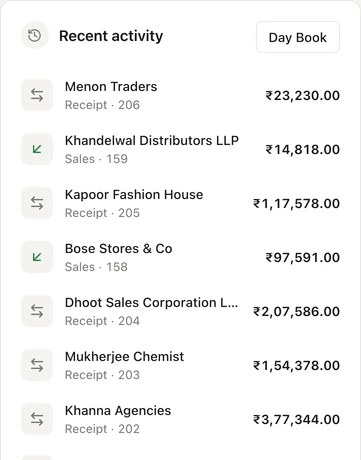
Yes. The audit trail records every entry made in Auditer, who made it and whether it was posted to TallyPrime. Entries made directly in TallyPrime appear in the day book after the next sync.
Related features
Bring your Tally books with you
Install the Agent, connect TallyPrime and see your business on any screen in minutes. Start with 10 free credits.
10 free credits. No card needed.